Introduction
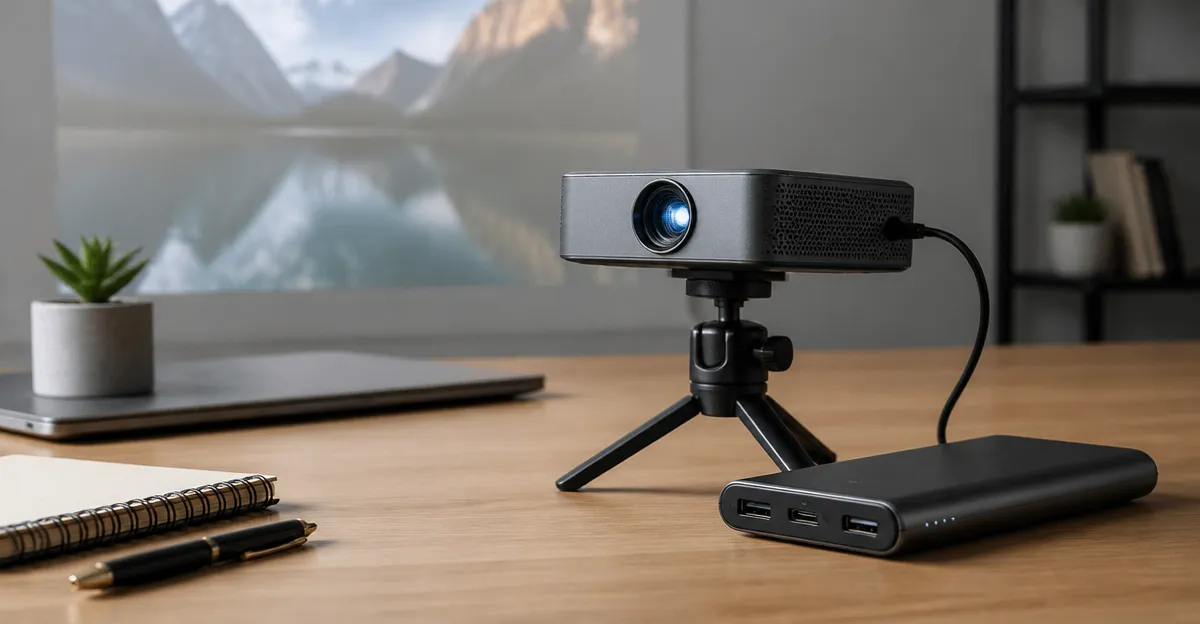
One often wonders how to determine the exact battery capacity required to power a mini projector for a specific period. This guide explains the calculation method, presents practical examples, and recommends reliable power solutions. By following the steps, one can avoid unexpected shutdowns during presentations or movie nights. The information is valuable for educators, business professionals, and outdoor enthusiasts who rely on portable visual equipment.
What You’ll Need
- Jackery Explorer 300 – 292Wh portable power station, $259.00, 4.6/5 rating.
- IAPOS 60000mAh Portable Charger – high‑capacity power bank, $51.99, 4.6/5 rating.
- Anker 20000mAh Power Bank – 87W output, $59.99, 4.5/5 rating.
- Anker 10000mAh Power Bank – slim design, $25.99, 4.5/5 rating.
- INIU 10000mAh Power Bank – 45W fast charging, $21.99, 4.4/5 rating.
- Mini projector with specifications sheet.
- Calculator or spreadsheet software.
- Multimeter (optional for precise voltage measurement).
Step 1: Identify Projector Power Requirements
The first task is to locate the projector’s rated power consumption, typically expressed in watts (W) or volts (V) and amperes (A). This information appears on the device label or in the user manual. If the label lists 12V × 2A, the wattage equals voltage multiplied by current, resulting in 24W. Understanding the exact wattage is essential because it directly influences the energy drawn from a battery.
Many mini projectors operate between 15W and 30W when displaying at full brightness. For battery‑powered scenarios, users often reduce brightness to conserve energy, which lowers the effective wattage. Recording both the maximum and typical operating wattage provides a range for later calculations.
Step 2: Convert Power Consumption to Watt‑Hours
Battery capacity is commonly expressed in watt‑hours (Wh), which represents the amount of energy a battery can deliver over one hour. To convert the projector’s wattage into Wh, multiply the wattage by the desired runtime in hours. For example, a 20W projector intended to run for 3 hours requires 20W × 3h = 60Wh of energy.
If the power source provides voltage different from the projector’s native voltage, the conversion remains valid because Wh already accounts for voltage. However, when using a power bank that specifies capacity in milliampere‑hours (mAh), an additional conversion step is required, as described in the next section.
Step 3: Determine Desired Runtime
The user must decide how long the projector should operate without recharging. Typical scenarios include a 2‑hour classroom lecture, a 4‑hour outdoor movie night, or a 1‑hour business presentation. The runtime choice directly affects the required battery capacity; longer runtimes demand larger batteries or multiple power sources.
It is prudent to add a safety margin of 10‑20% to accommodate inefficiencies, such as voltage conversion loss and battery aging. For the earlier example of 60Wh, adding a 15% margin results in 69Wh, ensuring the projector will not shut down prematurely.
Step 4: Calculate Required Battery Capacity (mAh)
To translate the Wh requirement into milliampere‑hours, use the formula: mAh = (Wh ÷ V) × 1000, where V is the battery’s nominal voltage. Most lithium‑ion power banks operate at 3.7V internally. Applying the formula to the 69Wh example yields (69 ÷ 3.7) × 1000 ≈ 18,650 mAh.
When the power source supplies a higher voltage, such as a 12V output from a portable power station, the internal conversion is already accounted for, and the Wh figure can be compared directly to the station’s stated capacity. In that case, a 292Wh unit like the Jackery Explorer 300 easily exceeds the 69Wh requirement, providing ample headroom for additional accessories.
Step 5: Choose an Appropriate Power Bank or Portable Power Station
With the required mAh determined, the next step is to select a battery that meets or exceeds the calculated capacity while offering the necessary output ports. For a projector that requires a 12V DC input, a power station with a regulated car port is ideal. The Jackery Explorer 300 offers a 120W car port, 2 AC outlets, and a 100W USB‑C PD port, making it versatile for both DC and AC projector models. Its 292Wh capacity (equivalent to roughly 78,900 mAh at 3.7V) far surpasses the 18,650 mAh requirement, and its lightweight 7.5 lb design ensures portability.
If the projector accepts a USB‑C power delivery input, a high‑output power bank becomes a more compact solution. The Anker 20000mAh Power Bank supplies up to 65W via its USB‑C port, sufficient for many modern mini projectors that support USB‑C charging. Its built‑in cable reduces the need for extra accessories, and the 87W total output allows simultaneous charging of auxiliary devices such as a wireless speaker.
For budget‑conscious users who require only modest power, the Anker 10000mAh Power Bank provides two USB ports and a USB‑C input/output, delivering up to 18W per port. While its capacity translates to approximately 37,000 mAh at 3.7V, it may only support lower‑brightness projector settings or shorter runtimes.
When ultra‑high capacity is needed without the bulk of a power station, the IAPOS 60000mAh Portable Charger delivers 60,000 mAh (≈222,000 mAh at 3.7V) and supports five simultaneous devices. Although it lacks a dedicated AC outlet, its 22.5W fast‑charge USB‑C port can power USB‑C compatible projectors, and the integrated 3‑in‑1 cable simplifies connections.
Finally, the INIU 10000mAh Power Bank offers 45W fast charging, a detachable cable, and a TSA‑compliant form factor. Its 45W output can sustain many mini projectors at reduced brightness, and the detachable cable ensures longevity if the cord becomes damaged.
Step 6: Test and Verify Runtime
After selecting the appropriate battery, the user should perform a real‑world test to confirm the projected runtime. Connect the projector to the power source, set the desired brightness level, and start a timer. Record the elapsed time when the battery indicator reaches the low‑power warning. Compare the measured duration with the calculated estimate; discrepancies often arise from inverter efficiency loss (typically 85‑90% for AC output) or cable resistance.
If the observed runtime falls short, consider reducing brightness, disabling unnecessary projector features, or adding a second battery in parallel. Some power stations, including the Jackery Explorer 300, support pass‑through charging, allowing the unit to remain powered while being recharged from a car outlet or solar panel, effectively extending continuous operation.
Tips & Pro Tips
- Always verify the projector’s voltage and current requirements before selecting a battery; mismatched voltage can damage the device.
- When using AC outlets on a power station, account for inverter efficiency by multiplying the required Wh by 1.15.
- Store lithium‑based batteries at approximately 50% charge if they will not be used for extended periods; this practice prolongs lifespan.
- Utilize the fast‑charging capabilities of the chosen battery to minimize downtime between presentations.
- For outdoor events, pair the Jackery Explorer 300 with a compatible solar panel to maintain charge without a generator.
Troubleshooting
- Battery drains faster than expected: Check for background processes on the projector, ensure cables are securely connected, and verify that the power bank is not operating in a low‑efficiency mode.
- Power bank does not power the projector: Confirm that the output voltage matches the projector’s input; use a DC‑to‑DC converter if necessary.
- Power bank overheats: Allow adequate ventilation, avoid stacking batteries, and consider using a power station with a built‑in fan, such as the Jackery Explorer 300.
Conclusion
Calculating the required battery capacity for a mini projector involves understanding the device’s power draw, converting that draw into watt‑hours, and then translating watt‑hours into milliampere‑hours based on the battery’s nominal voltage. By following the six steps outlined above, one can select a power bank or portable power station that reliably supports the desired runtime. The recommended products provide a range of capacities, output options, and price points, ensuring that users can match their specific needs without overpaying. Armed with this knowledge, the reader can confidently plan presentations, outdoor screenings, and educational sessions without fear of unexpected power loss.
Frequently Asked Questions
How do I calculate the mAh capacity needed to run a mini projector for a specific time?
Divide the projector's wattage by the battery voltage to get amperes, then multiply by the desired hours and convert to mAh (amps × hours × 1000).
Which factors most influence a power bank’s runtime with a mini projector?
Projector wattage, battery voltage, efficiency losses, and the power bank’s actual usable capacity (often 80‑90% of its rated mAh).
Can a 12 V portable power station like the Jackery Explorer 300 safely power a mini projector?
Yes, if the station’s output wattage exceeds the projector’s requirement and you use the correct DC connector or inverter.
How does a projector’s watt rating convert to the required power‑bank capacity?
Required mAh ≈ (W ÷ V) × hours × 1000; for example, a 5 W projector at 5 V for 4 hours needs about 4000 mAh.
What power banks are recommended for longer mini projector sessions?
High‑capacity options like the IAPOS 60000 mAh, Anker 20000 mAh (87 W output), or a 292 Wh power station such as the Jackery Explorer 300 provide the most runtime.